
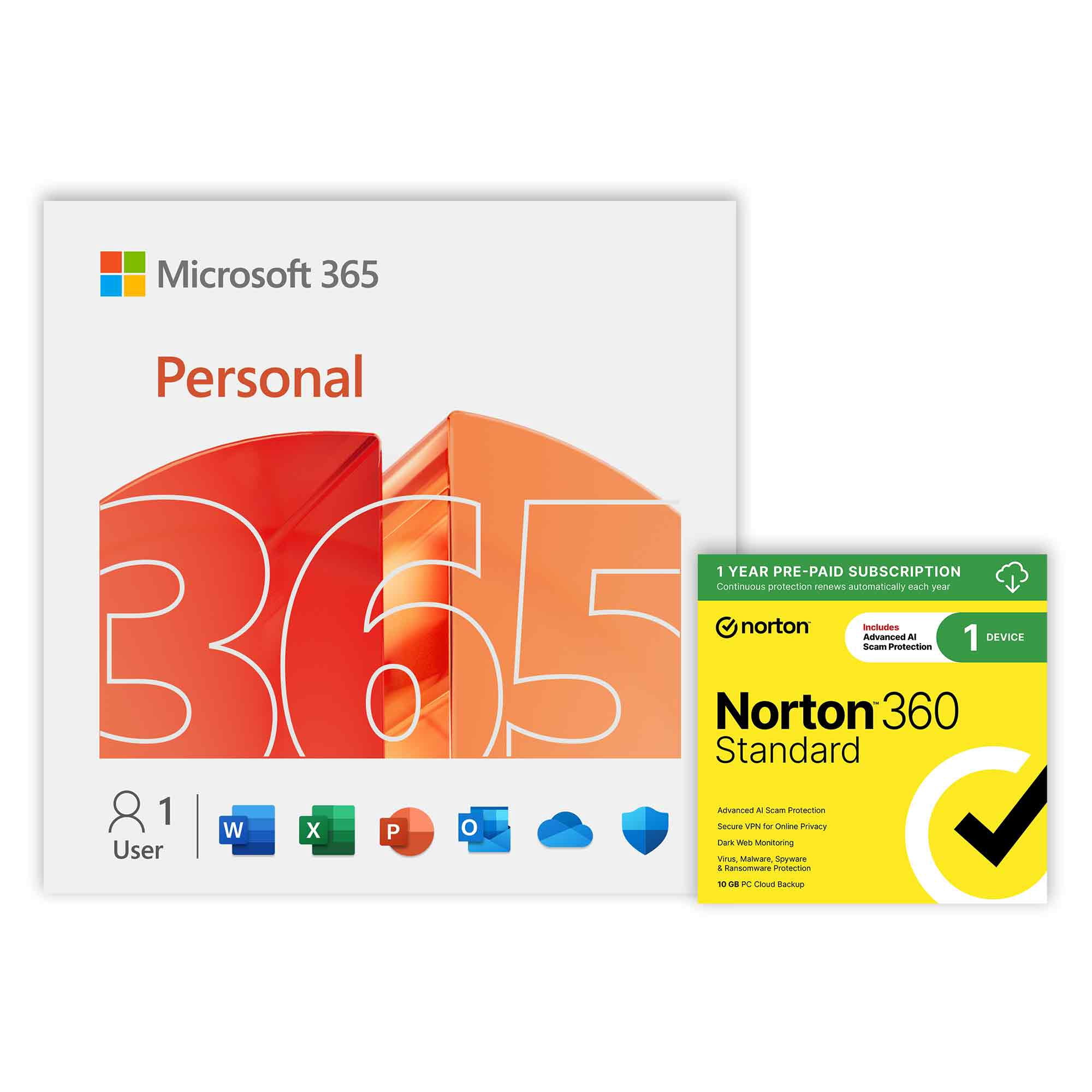
Microsoft 365 Personal + Norton 360 Standard 1-year 1-Device (Digital Download)
Product details
| Management number | 252358355 | Release Date | 2026/10/01 | List Price | US$67.99 | Model Number | 252358355 | ||
|---|---|---|---|---|---|---|---|---|---|
| Category | |||||||||
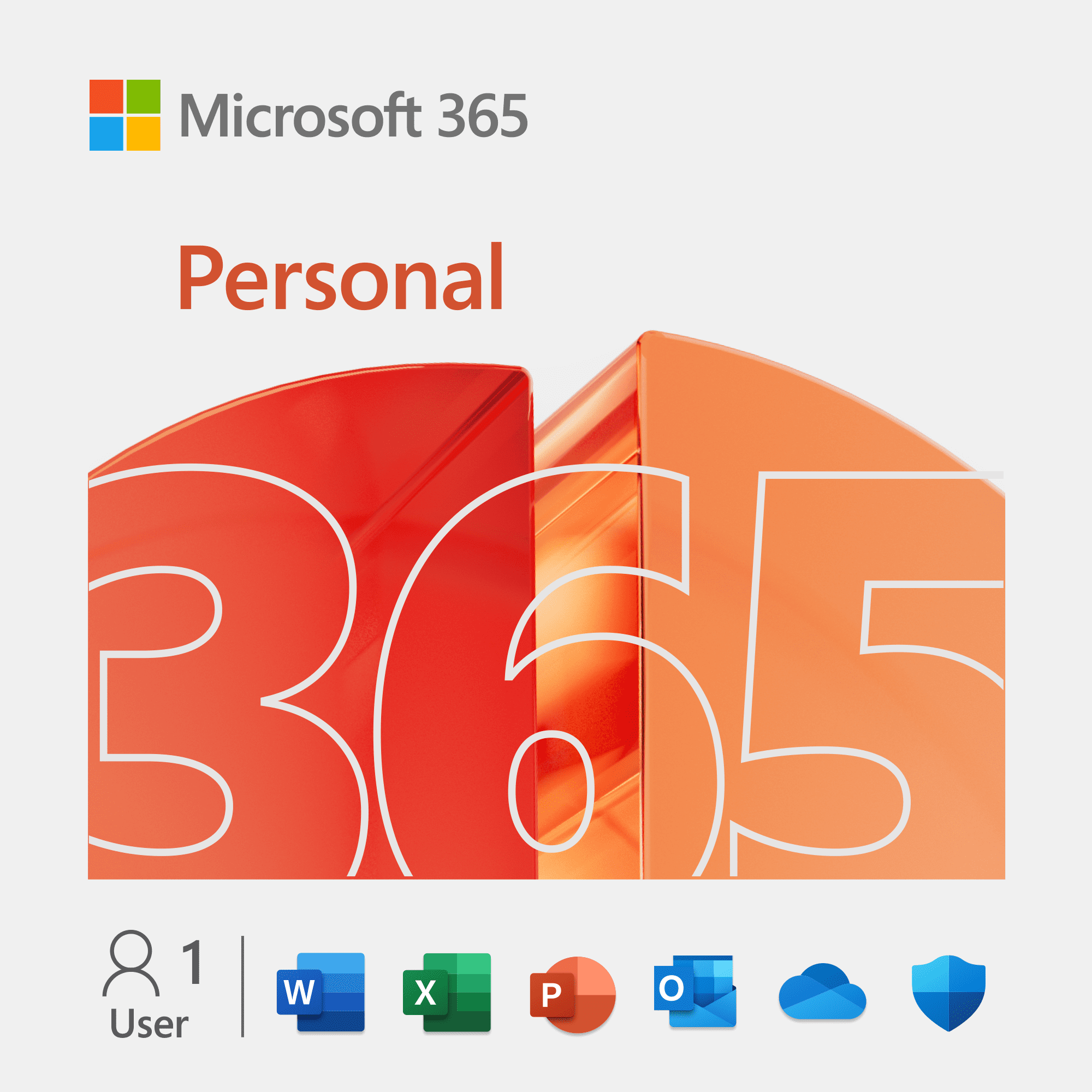
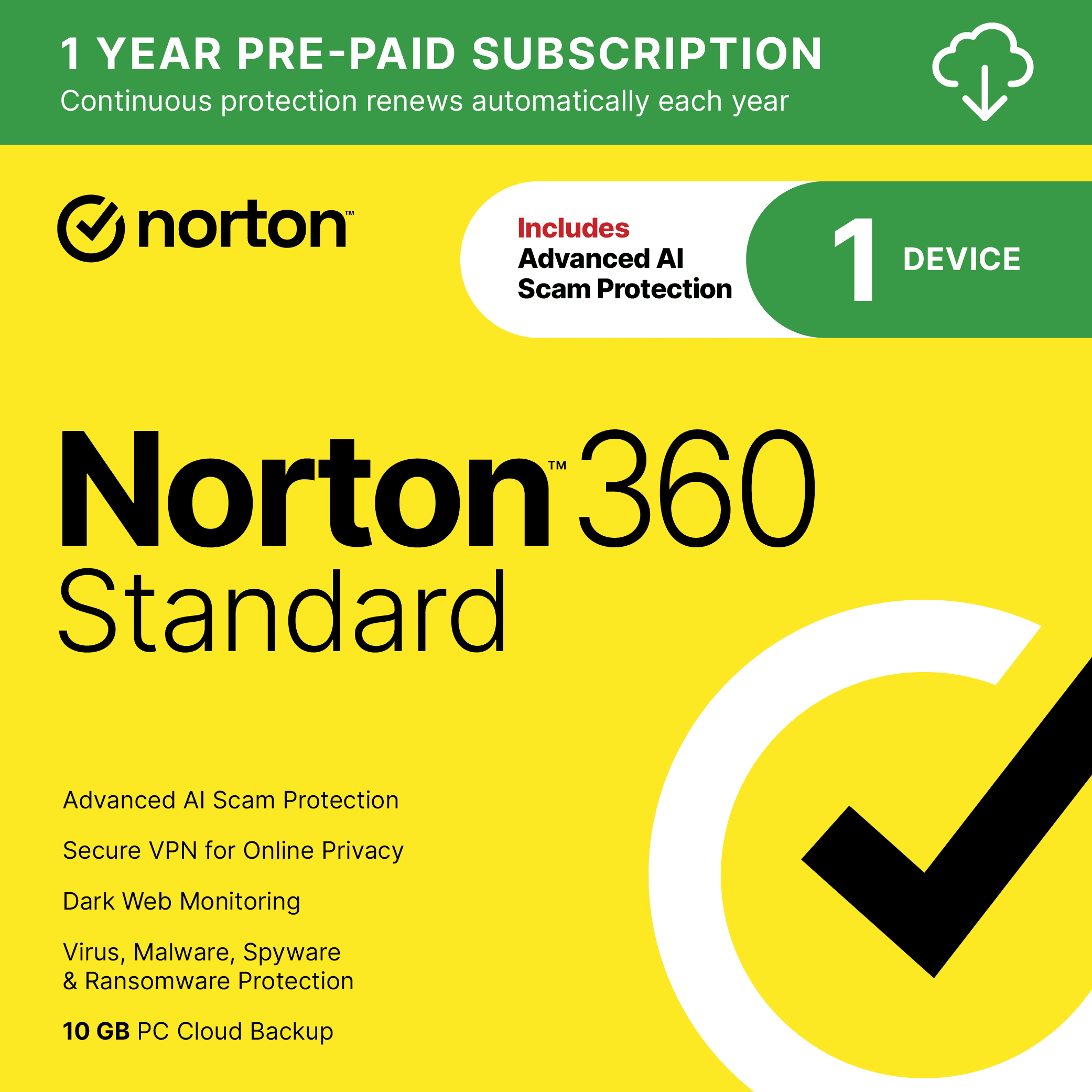
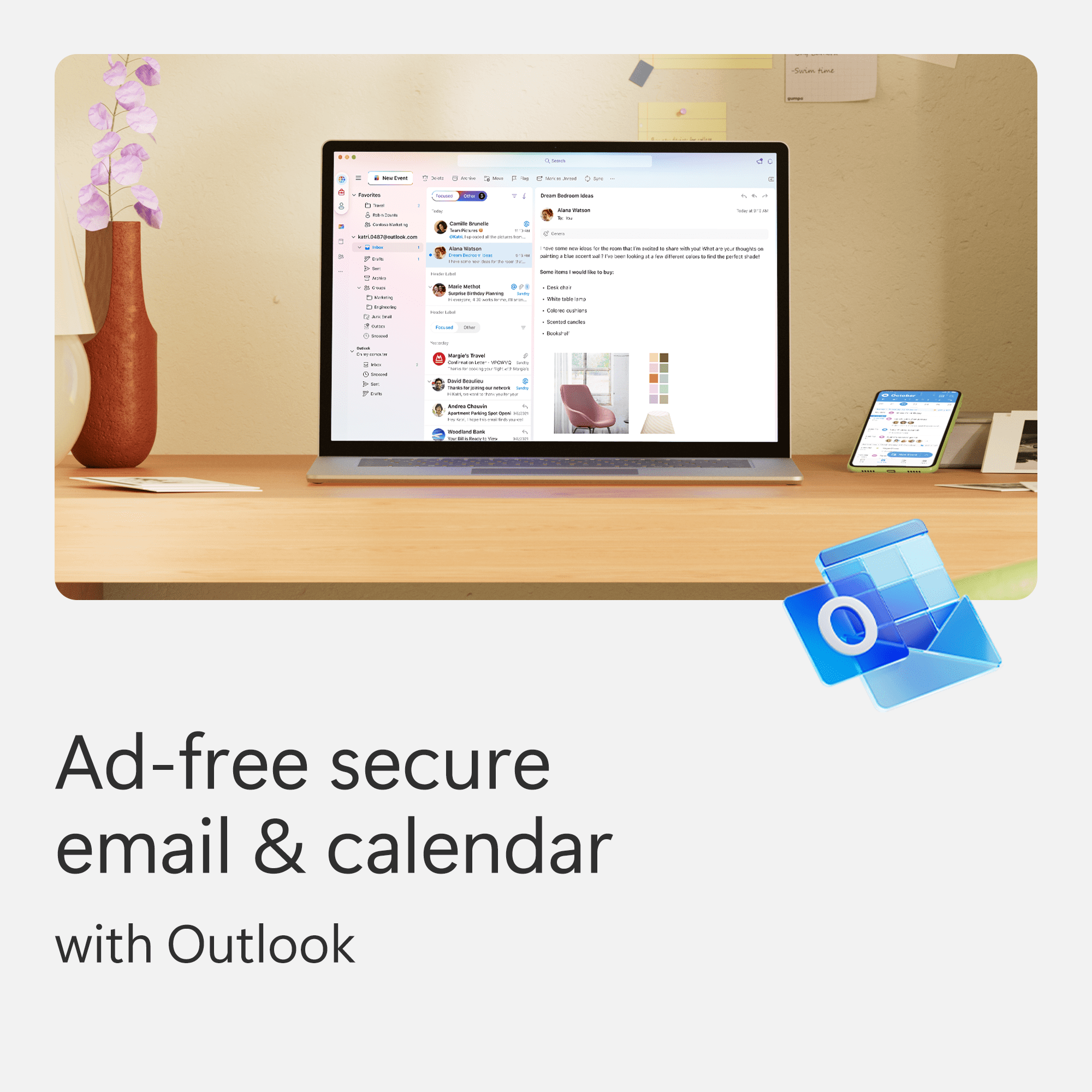
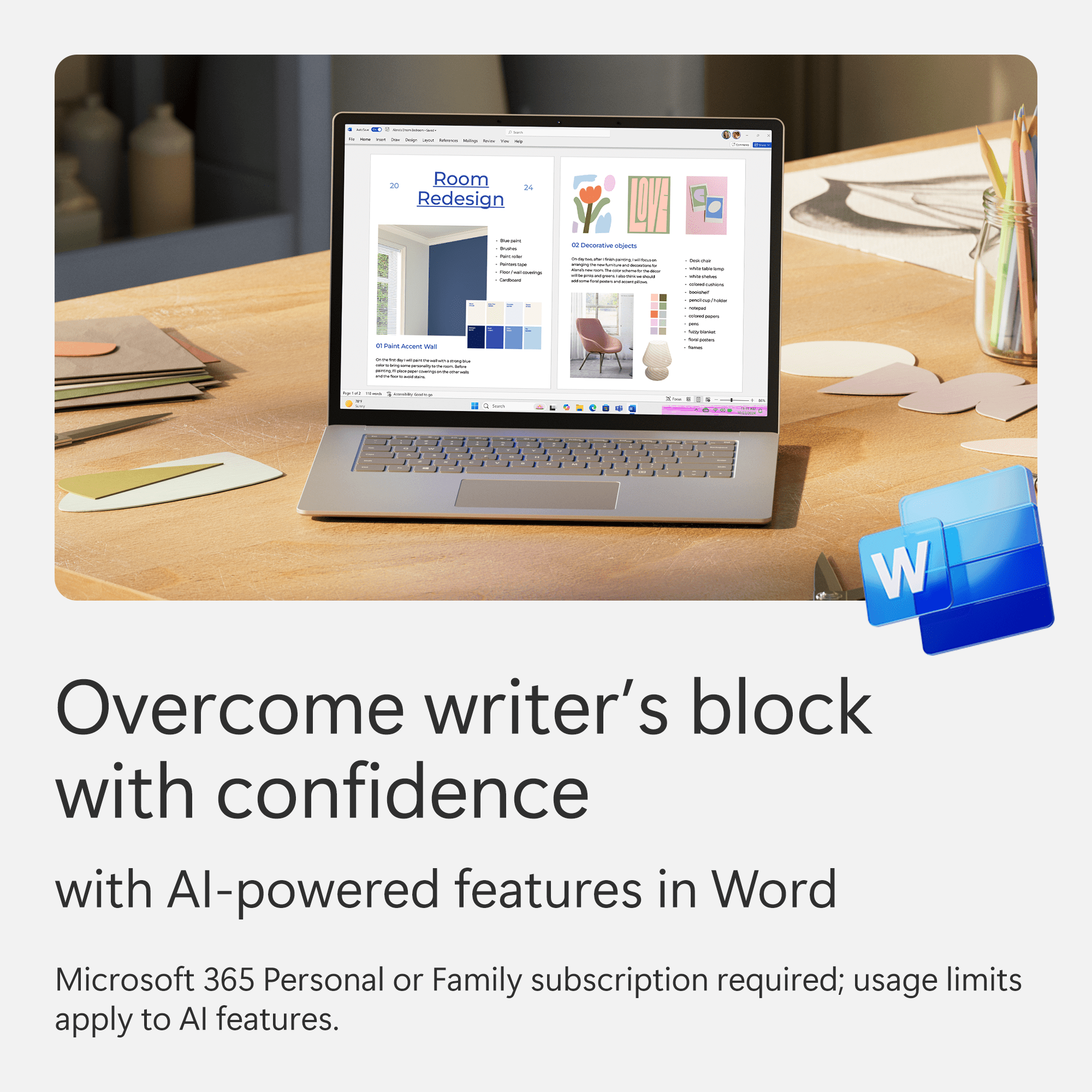
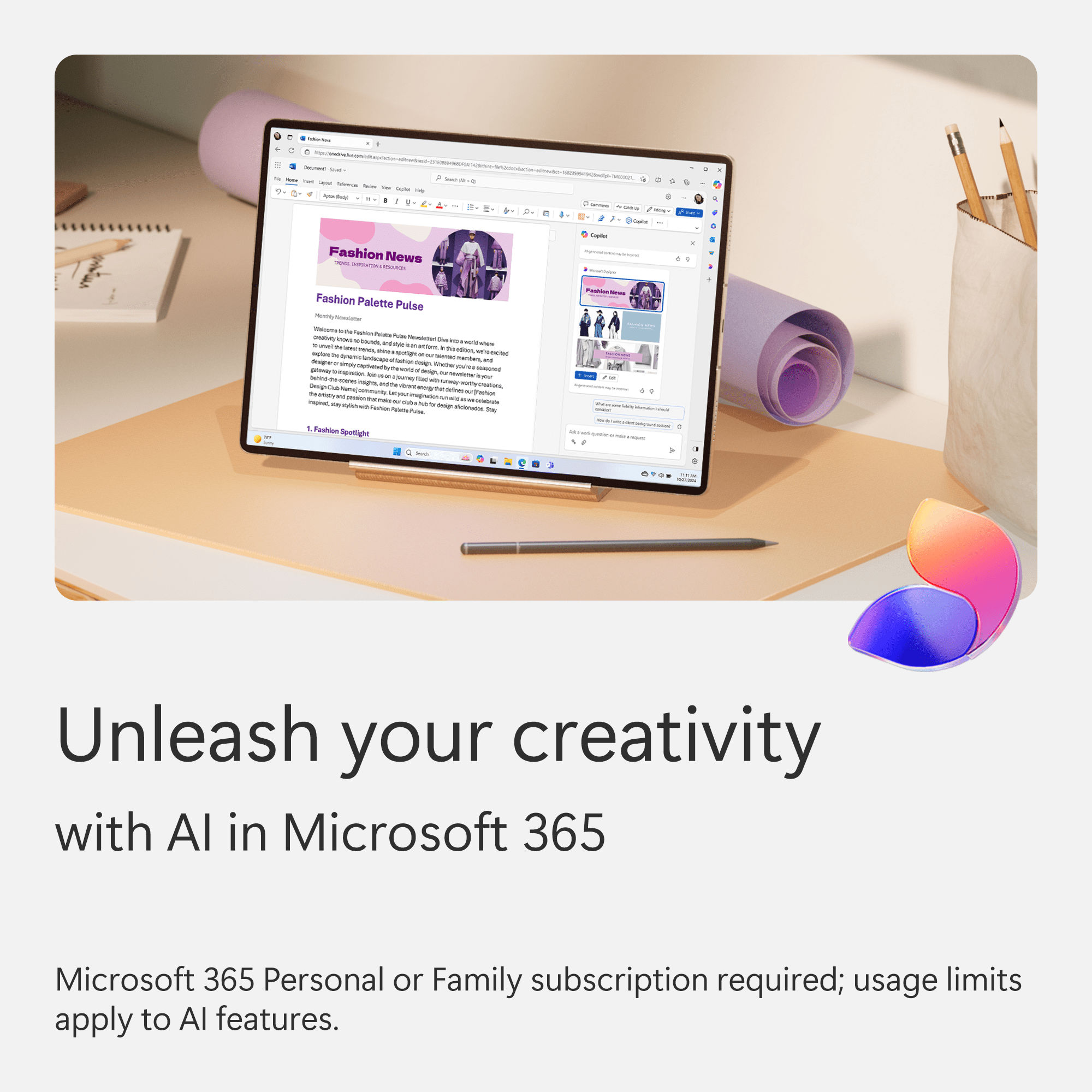
This product includes a copy of Microsoft 365 Personal 1-Year Subscription and a copy of Norton 360 Standard 1-Year Subscription (both 1 device). Microsoft 365 Personal Work smarter, stay safer, and create better with Microsoft 365 Personal for PC and Mac. This office suite offers 1TB of cloud storage and advanced protection for all your devices. You can seamlessly use Word, Excel, PowerPoint, and more across five devices. Also, enjoy the power of AI with Microsoft Copilot, the Designer image editor, and Clipchamp's premium video tools. *Includes 12 months of Microsoft 365 Personal. If you provide a credit card prior to the end of your 12-month subscription (enabling auto-renewal), you will receive an additional 3 months. After the end of the subscription, unless you cancel, you will be charged $99 per year for Microsoft 365 Personal. If there is a current active subscription to Microsoft 365 Personal and auto-renewal is enabled (i.e., this code would be “stacked” onto an existing membership), only 12-months of Microsoft 365 Personal will be added to the current subscription. Norton 360 Standard Norton 360 Standard 1-device is your all-in-one choice to help you stay safe online with protection against hidden scams, phishing, malware and viruses, a secure VPN for safer browsing, and cloud backup for Windows PCs to keep your files safer. With our Advanced AI scam protection you can stop wondering if a message or email is suspicious.
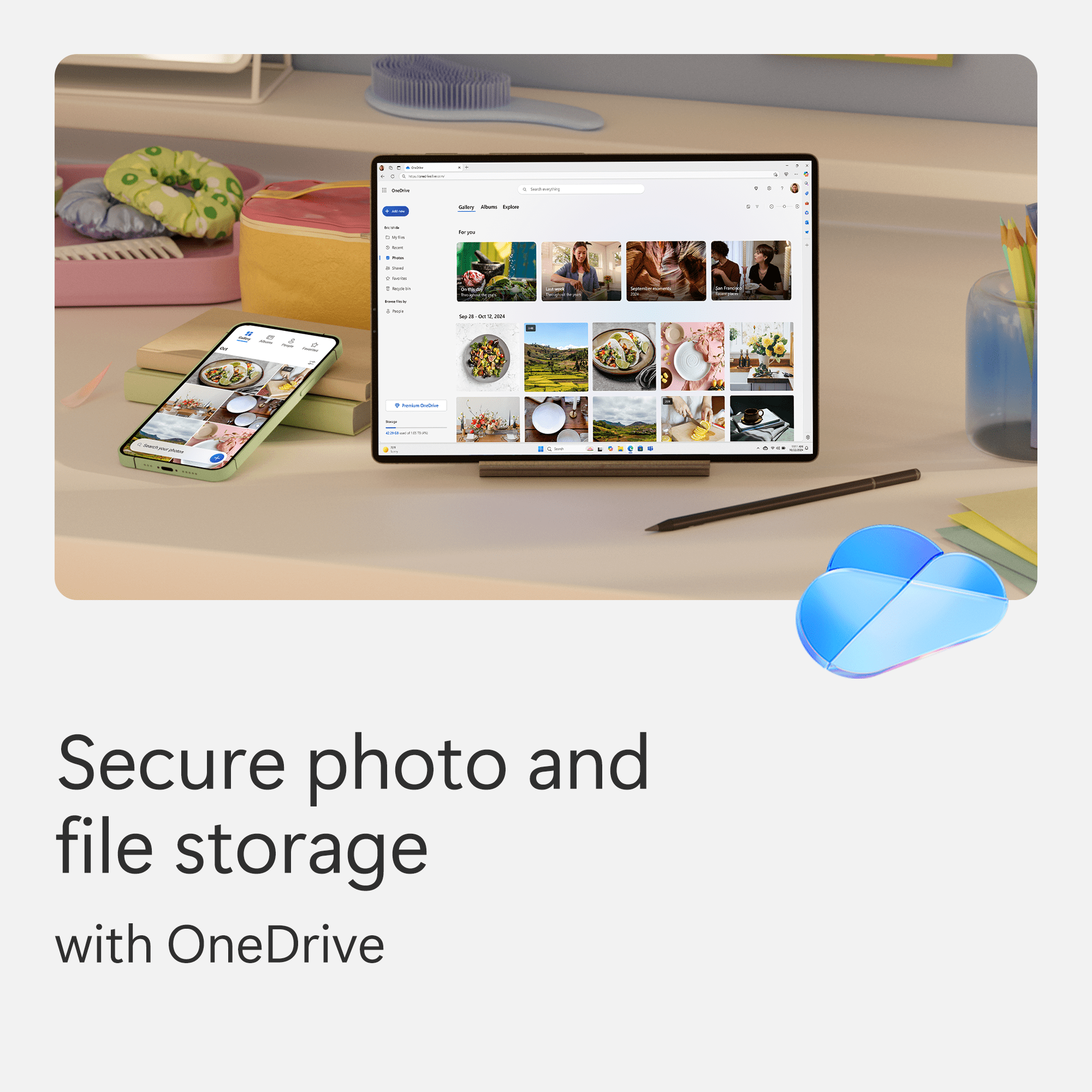
- Microsoft 365 • Allows one user to enjoy a personalized experience across up to five devices at the same time • Provides 1TB of secure cloud storage to safely store your files and access them from anywhere, anytime • Access Word, Excel [1] , PowerPoint, Outlook[2] , and OneNote desktop apps with Microsoft Copilot[3] for enhanced productivity • Designer AI-powered image creator and editor lets you easily work on and edit stunning visuals[3] • Clipchamp video editor with premium filters and effects allows you to create professional-quality videos with ease and creativity • Microsoft Defender offers advanced security to protect your personal data and devices from potential threats • OneDrive ransomware protection safeguards your photos and files from unauthorized access • Ongoing support is available to assist you whenever you need help • Works on PC, Mac, iPhone, iPad, and Android devices to keep you productive no matter where you are • Requires 1.6GHz CPU, 4GB RAM, 1280 x 768 graphics, and 4GB disk space for optimal performance [1] Copilot in Excel requires AutoSave to be enabled, meaning the file must be saved to OneDrive; it doesn't function with unsaved files. [2] Copilot features in Outlook apply to accounts with @outlook.com, @hotmail.com, @live.com, or @msn.com email addresses and are available in the Outlook website Outlook built into Windows, Outlook on Mac, and iOS and Android apps.[3] AI usage limits apply. Learn more on Microsoft website
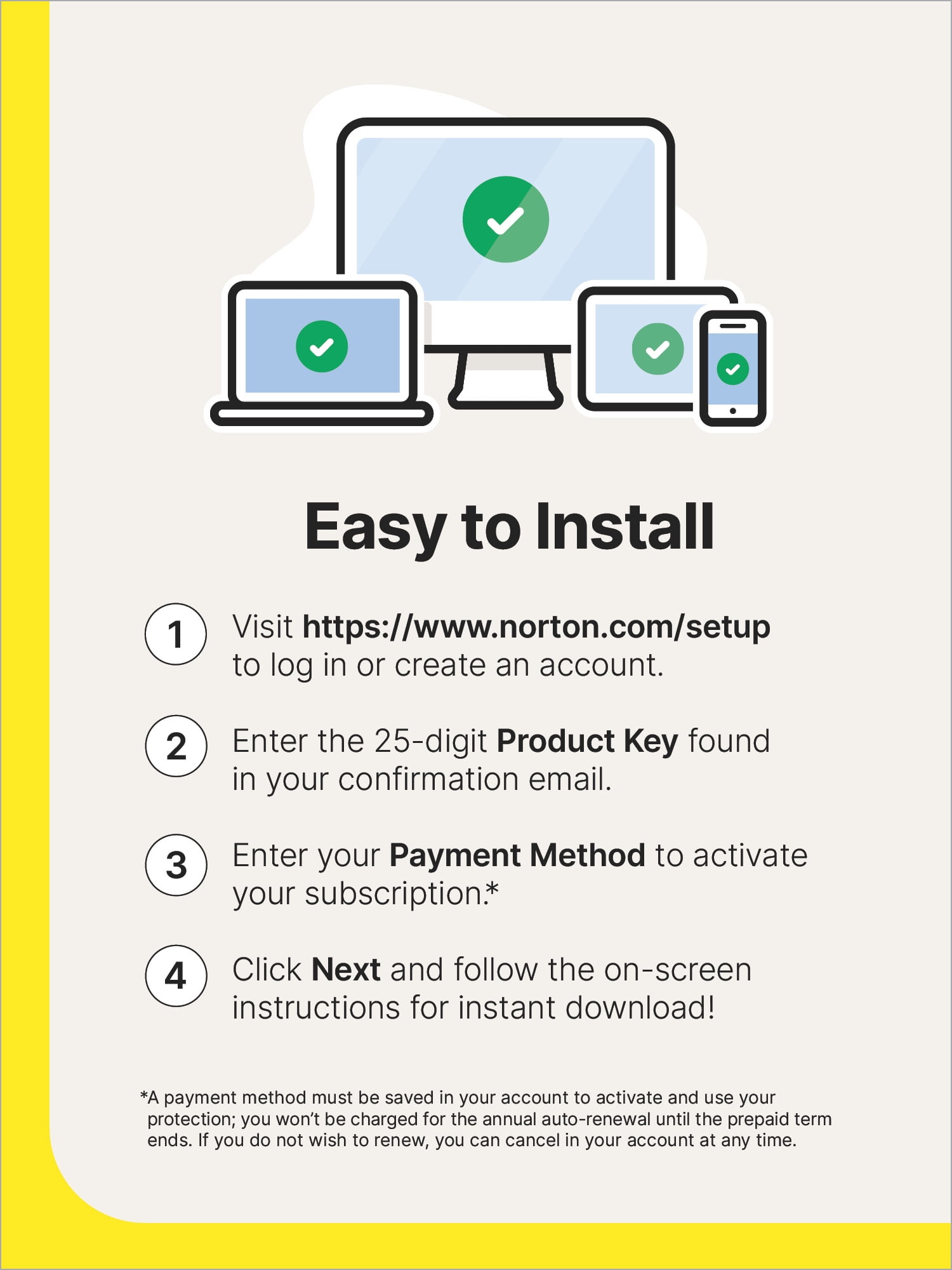
- Advanced AI Scam Protection • Help spot hidden scams online and in text messages. With the included Genie AI-Powered Scam Protection Assistant, guidance about suspicious offers is just a tap away. Real-time threat protection • Advanced security protects against existing and emerging malware threats, including ransomware and viruses, and it won’t slow down your device performance. Dark web monitoring • We monitor and notify you if we find your personal information on the Dark Web.** Password manager • Easily create, store, and manage your passwords, credit card information and other credentials online. SafeCam for PC • Get notified if cybercriminals try to use your webcam on your PC, and we can help block them. For Windows PCs only. 10 GB secure PC cloud backup • Store and help protect important files as a preventative measure to data loss due to hard drive failures, stolen devices and even ransomware. For Windows PCs only. Smart firewall for PC or firewall for Mac • Monitors communications between your computer and other computers and helps block unauthorized traffic. Pre-paid subscription • A payment method must be stored in your Norton account to activate* You won’t be charged again until the prepaid term ends. For new Norton subscriptions only at an introductory price. Auto-renewal • Never have a service disruption since this subscription auto-renews annually. If you do not wish to renew, you can cancel in your Norton account anytime. General disclaimers and disclosures • No one can prevent all cybercrime or identity theft. *Payment method required for pre-paid subscription. You are purchasing a recurring subscription which will automatically renew after the first year. To activate, you must enroll online and provide your billing information. The price paid today is valid for the first year of subscription, and will automatically renew and charge your stored payment method. Applicable renewal price found at Norton.com/pricing. The price is subject to change, but we will always send you a notification email in advance. You may cancel the automatic renewal by logging in to your account, or contacting Norton. Coverage may include product, service and/or protection updates and features that may be added, modified or removed, subject to the applicable License and Services Agreement found on Norton.com/legal Data collection, storage and use for subscription management and renewal purposes subject to the Global Privacy Statement at Norton.com/privacy. **Defaults to monitor your email address only. Log in to your Norton account to enter more info for monitoring. If you are a current LifeLock member, you must review and manage those settings in your LifeLock portal. Not all features are available on all platforms. See Norton.com/sysreq for opearting systems supported and system requirements. Currently, this item is available only to customers located in the United States.
- • Customers will recvie (1) email for each product in the bundle.
| Computer Software Type | Business & Office Software |
|---|---|
| Operating System | Windows |
| Brand | Microsoft |
| Number of Users | 1 |
| Subscription Period | 1 years |
| Delivery Method | Send Via Email |
| Features | Parental Controls |
| Physical Media Format | Digital Download |
| Model | BUS-M365NORTWM |
| Languages Supported | English |
| Has Written Warranty | No |





Bestseller ranking
Computers


Customers who viewed this product also viewed
Roblox Toys
![Roblox Super Soaker Sharkbite SHRK 500 Water Blaster [with Virtual Item Code!]](https://i5.walmartimages.com/seo/Roblox-Super-Soaker-Sharkbit-SHRK-500-Water-Blaster_9e35db75-ed08-4f43-8eb1-92726ad814f1.ccd599525f603699c2beeb42592ca120.jpeg)
![Roblox Action Collection - Meme Pack Playset [Includes Exclusive Virtual Item]](https://i5.walmartimages.com/seo/Roblox-Action-Collection-Meme-Pack-Playset-Includes-Exclusive-Virtual-Item_8c6db910-f4e4-46ce-816a-0f7a6e6eb343.36925db3e1e48c9b88a2d3250fa31e1e.jpeg)
Correction of product information
If you notice any omissions or errors in the product information on this page, please use the correction request form below.
Correction Request Form